Developed by SillyLittleTools
Build a professional, ATS-friendly resume in minutes with the JustJobsInfo resume builder. Choose from proven resume templates, add your experience, and let our tools format a polished CV that recruiters and applicant tracking systems love.
Pair the resume builder with our free AI resume audit to check keywords and formatting, then apply directly to matching job listings. Create, audit, and download your resume all in one place.
No-nonsense resume templates. Cut the fluff and get real results.
Skip the guesswork. Use proven templates that speak for you and help you stand out.
You can browse every template below without signing in. A free account lets you edit and download them.
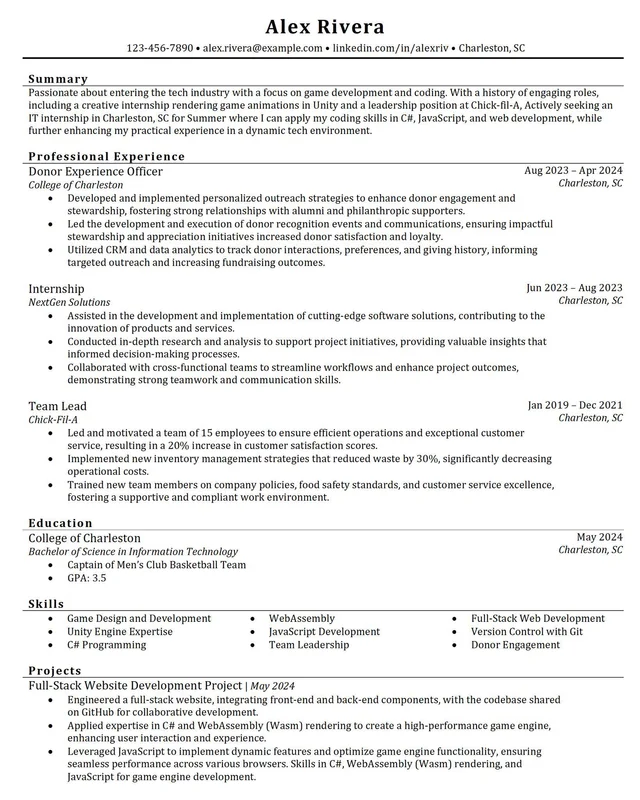
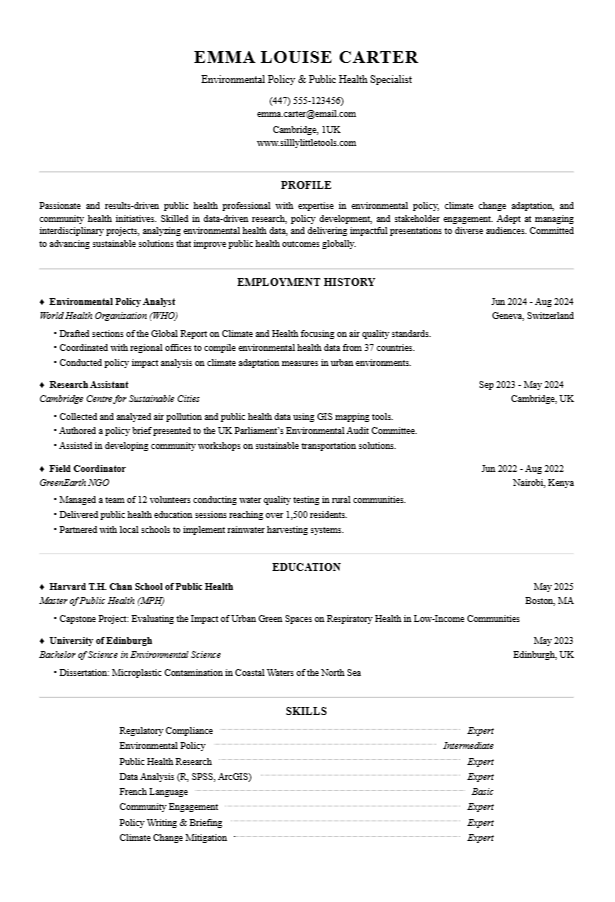
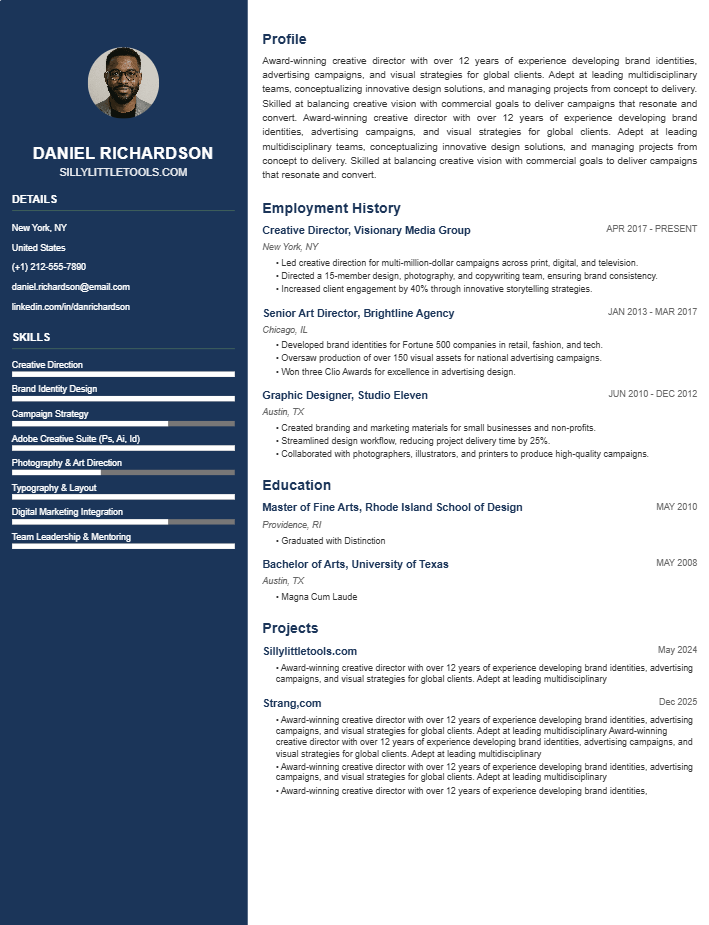
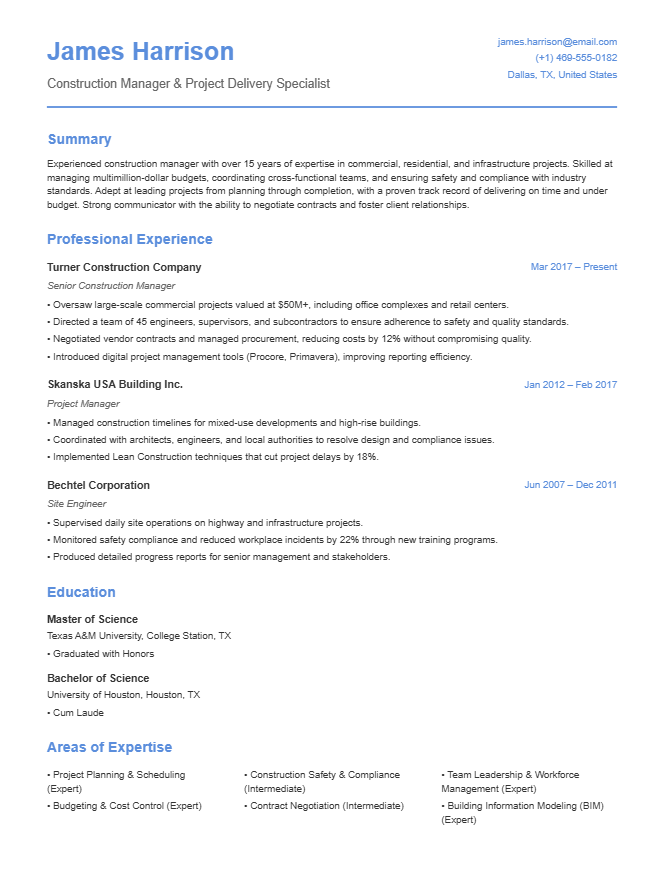
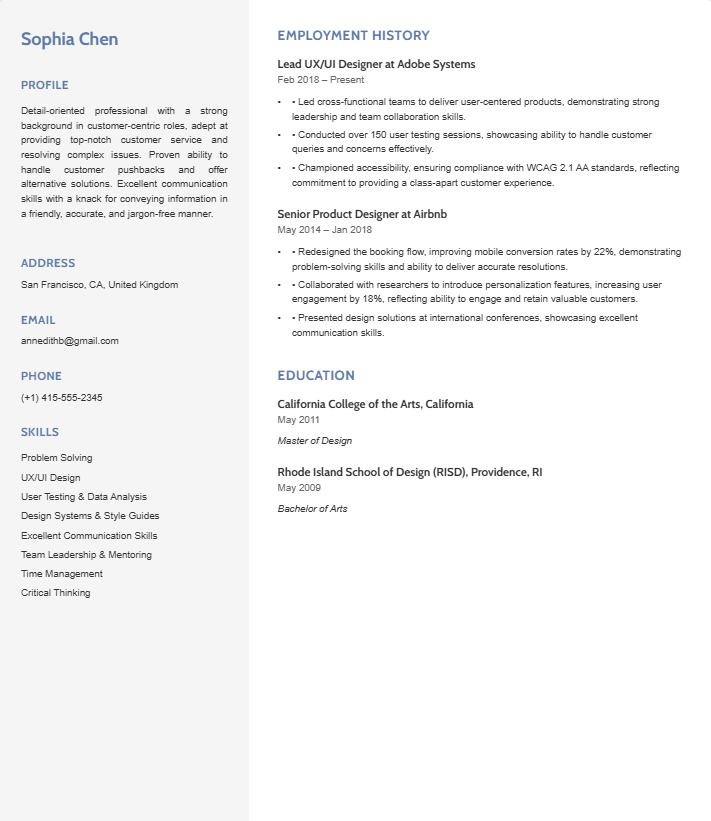
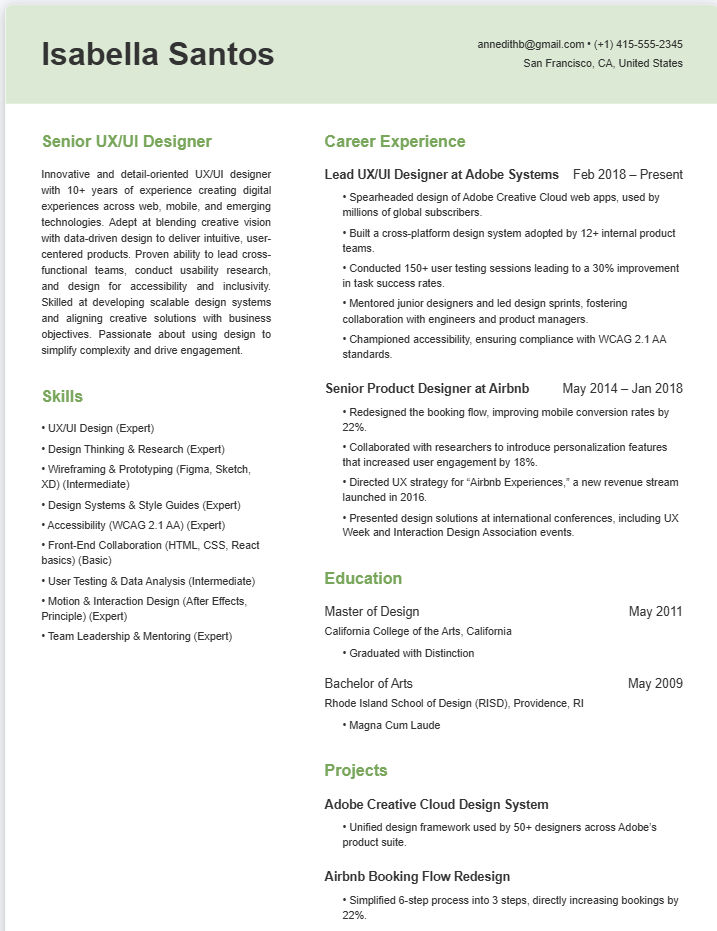
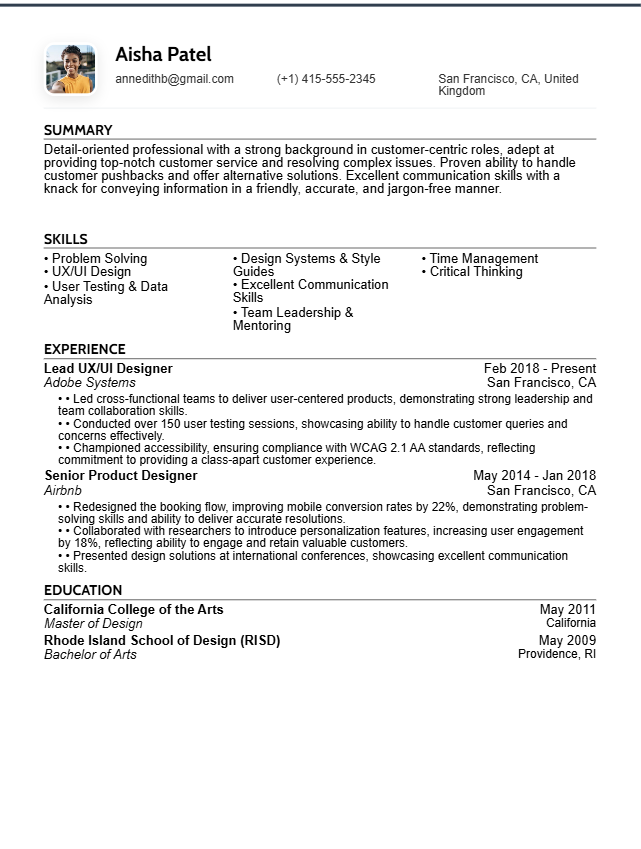
Start with who will read it first. If you are applying through an online form, an applicant tracking system reads your resume before a person does, so choose a single-column template with plain section headings: Experience, Education, Skills. If you are handing it to a person, at an interview, a careers fair or in a direct email, you have more freedom, and a two-column layout can make a busy resume easier to scan.
Then match the template to your career stage. An early-career resume works best on one page with education near the top. If you have more experience, two pages are fine: lead with a short summary and your most recent achievements.
Pick the design last. Keep fonts simple, avoid graphics, and let the content carry the page.
Why some templates are labelled "best for human readers": our Resume Audit warns that multi-column layouts often parse badly in applicant tracking systems. Those templates look good on the page but are the riskier choice for online applications.
Whichever you choose, run the finished resume through the free Resume Audit before you send it, and use Job Fit to see how it matches a specific job.
No. You can browse every template without signing in. A free account lets you edit a template, import your existing resume into it and download the result.
A single-column template with plain section headings (Experience, Education, Skills). Two-column templates are labelled "best for human readers" because multi-column layouts can parse badly in ATS software.
A Word (.docx) file, so you can keep editing it in Word after you download it.
Yes. Choose a template and select "Upload your resume": your content is placed into that template, and you can adjust it from there.
Run it through the free Resume Audit. It checks formatting, keywords and structure, so you can fix problems before you apply.