

The Best Professional Resume Tips for 2025: Stand Out and Succeed
Photo by Vadim Bozhko on Unsplash
Top 10 Professional Resume Tips for Crafting Your Best Impression
Your resume is the first impression that can open the door to your next big opportunity. To help you make it count, I have arranged ten essential tips for crafting a professional, polished, and job-winning resume.
Start with a strong foundation using free resume templates to create a professional resume that highlights your skills and experience. An AI resume builder can help you upload your current resume or LinkedIn profile to automatically extract and organize your experience, skills, and education.
Utilize a resume builder to craft a well-structured CV that showcases your achievements and education. You can start with your current resume or create a new one from scratch. While most resumes are concise, an academic CV is typically a longer, in-depth document used for academic or federal applications.
A professional CV is ideal for those seeking a polished, industry-specific presentation, and tailored templates are available for different fields. A chronological resume, which lists your work experience in reverse chronological order, is commonly used by job seekers with a solid work history and is preferred by employers for its clear timeline of employment.
Choose the best resume template that fits your career stage and job title to make a great impression on hiring managers. These tools can help you write a resume efficiently.
Choosing the Right Free Resume Templates
Select from a variety of professional resume templates, CV templates, and professional layouts including traditional, creative, and modern resume styles. Consider using simple resume templates for entry-level positions or one-page resume templates for a concise overview. Take advantage of free templates available for download, as downloadable resume templates offer flexibility for editing and customization, making it easy to tailor your resume to specific job applications.Look for resume templates that are ATS-friendly, including ATS-friendly resume templates and ATS-friendly designs. All our resume templates are designed to be compatible with applicant tracking systems as well as Microsoft Word and Google Docs. Choosing the perfect or professional resume template can save you time and ensure your resume is well-structured and visually appealing.
Customizing Your Resume
Tailor your resume to the job description by highlighting relevant skills and experiences, and align both the design and content with your career goals. Creating a custom resume for each application ensures your qualifications match the employer’s needs and helps you stand out from other candidates.Use a resume template that allows easy customization, such as changing the layout, font, and color scheme, so you can reflect your personal style. Add a professional summary and clear bullet points to improve readability. These strategies help you create a standout resume and increase your chances of crafting a job-winning resume.

Resume Format and Structure
Use a reverse chronological format to list your job history, including clear job titles and your previous job title for each position, to demonstrate career progression, with the most recent roles first. Consider a combination resume format to create a more in-depth document that balances both your skills and experience. This is ideal for career changers. A functional resume, on the other hand, focuses on your skills and abilities rather than your work history, and may be appropriate if you have employment gaps or are changing careers. Ensure consistent formatting throughout your resume, including font, spacing, and bullet points.Personal Branding on Your Resume
Personal branding on your resume is more important than ever. Since your resume is often the first impression you make on hiring managers, it’s essential to present yourself as a standout candidate. By leveraging free resume templates and choosing the best template for your industry and career stage, you can create a polished resume that highlights your unique strengths and qualifications.Start by selecting a resume template that aligns with your job title and the field you’re targeting. For creative roles, creative resume templates can help you showcase your personal style, while traditional resume templates are ideal for formal industries like law, business, or finance. Our collection of modern and professional resume templates ensures that every job seeker can find a design that fits their needs, whether they entry level or experienced professionals.
To build a strong personal brand, focus on relevant experience, soft skills, and hard skills. Consider adding a personal statement at the top of your resume to introduce yourself and outline your career objectives. Use bullet points to present achievements clearly and keep your resume visually appealing. A resume builder can simplify the process, offering ATS-friendly templates, matching cover letters, and even curriculum vitae templates for academic or research positions.
Tailor your resume to every job description by reviewing the job post carefully and incorporating important keywords and phrases into your resume summary and bullet points. This not only shows attention to detail but also helps your resume pass ATS filters, improving your chance of landing interviews. Remember, your resume is a reflection of your personal brand and career goals.
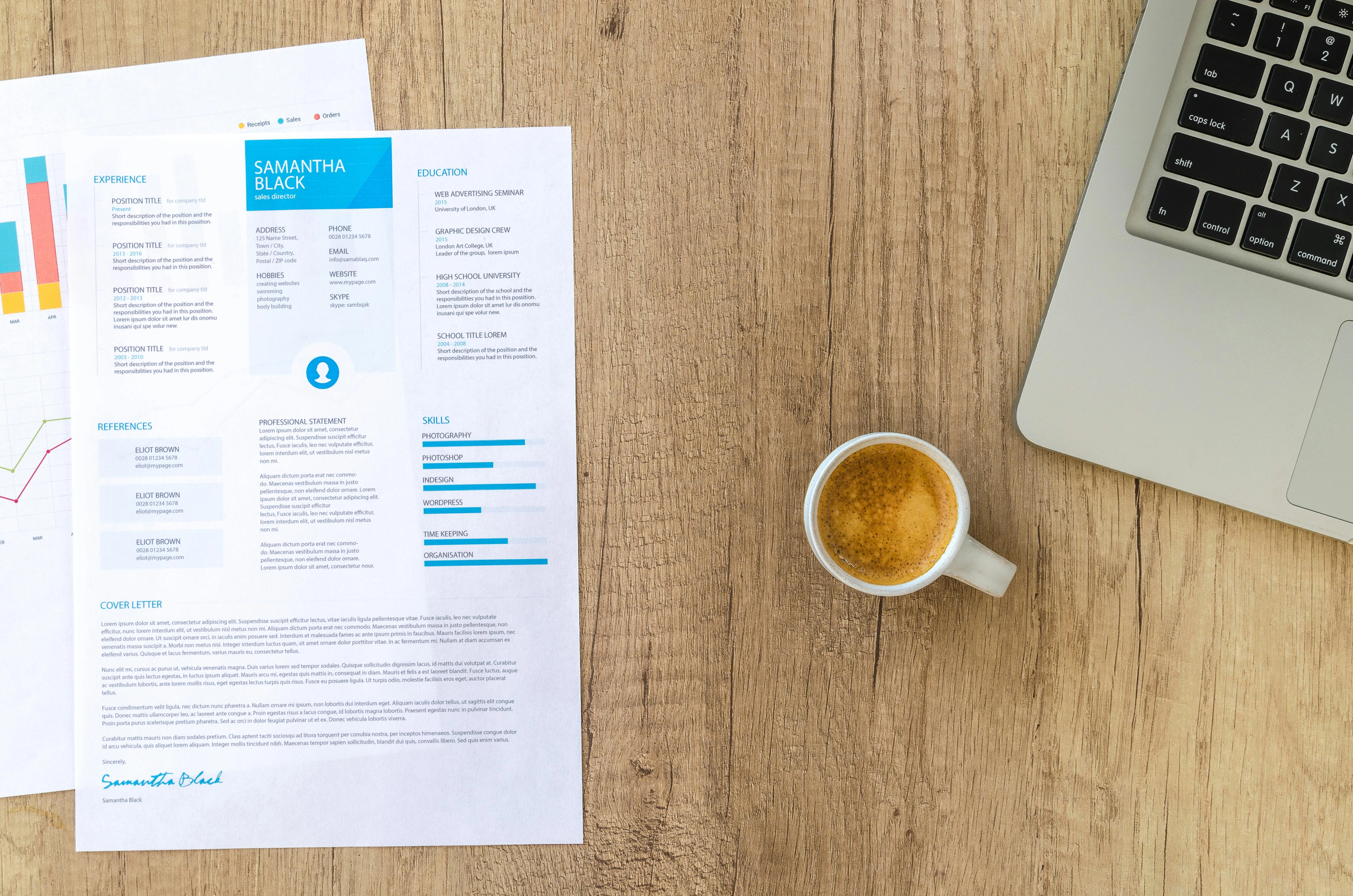
Photo by Lukas
Contact Information and Resume Summary
Include your contact details, such as phone number, email, and LinkedIn profile, in the header at the top of your document. Write a professional summary that highlights relevant experience, skills, and achievements. Some job seekers also include a professional profile to give a brief overview of qualifications. Keep this section clear and concise.Work Experience and Skills
List your work experience in reverse chronological order, beginning with your most recent roles. Highlight both soft and hard skills, and ensure you include each relevant skill that matches the job requirements. Adding a core competencies section can help showcase your most important strengths. Use bullet points to break up large blocks of text and improve readability. You may also include personal projects to demonstrate initiative and ability beyond formal work experience.Education and Certifications
Include your educational background, degrees, and certifications. Consider listing academic achievements such as honors, awards, or high GPAs to strengthen your profile. Highlight any relevant courses or training that align with the job description, and keep this section clear and concise.Achievements and Awards
Add notable achievements or awards, including accomplishments that demonstrate your experience and expertise. Use bullet points to make these stand out and quantify your achievements with numbers where possible.Applicant Tracking Systems (ATS) Optimization
An applicant tracking system (ATS) is used by employers to scan, parse, and rank resumes. It’s essential your resume is compatible with these systems. Incorporate keywords from the job description throughout your resume, especially in the summary, work experience, and skills sections. This is to ensure the system recognizes your qualifications.Select an ATS-friendly template with a clean layout, standard fonts, and clearly labeled headings. Avoid tables, images, graphics, or unusual symbols that might confuse the system. Maintain consistent formatting with bullet points and white space to make it easy to read, and save your resume in a common format such as Microsoft Word (.docx) or PDF.
Common Resume Mistakes to Avoid
Even the most qualified job seekers can lose opportunities due to avoidable mistakes. Keep these pitfalls in mind: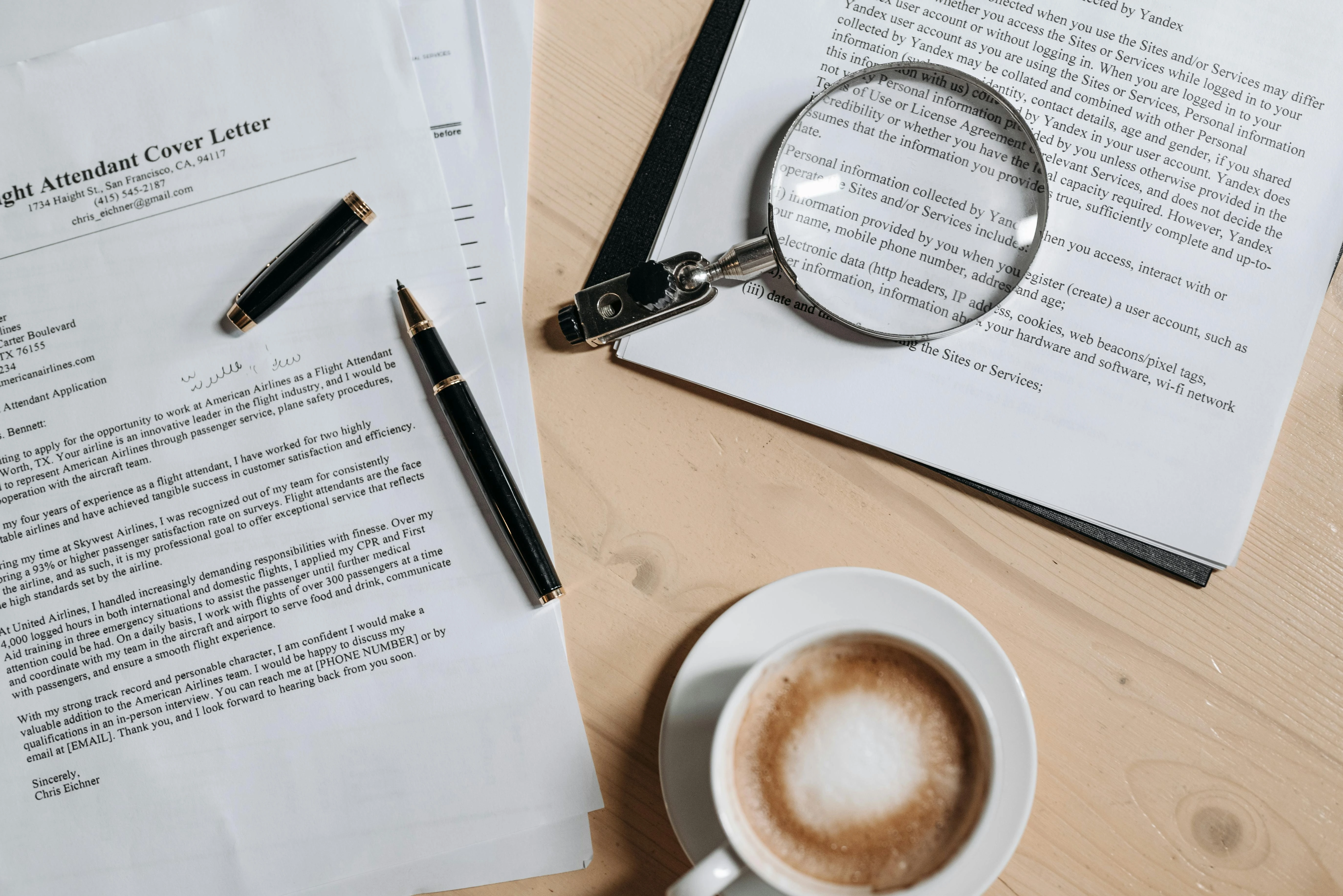
Cover Letter and References
Use a matching cover letter template for a cohesive, professional look. Include at least two professional references with names, titles, and contact details. Present both sections clearly and consistently across your documents.Resume Tips and Tricks
Use action verbs and relevant keywords to boost your resume’s ATS performance. Proofread carefully to eliminate errors, and review resume examples to understand how to present your achievements effectively. Organize your content into defined sections for easy readability.Job Search and Application
Use your resume to apply for roles aligned with your skills and experiences. Tailor it for each job by emphasizing what’s most relevant. Job search platforms can help you find openings where your resume and cover letter stand out.Creating a compelling resume is a crucial step in the job search process. With free resume templates and resume builders available, job seekers can easily craft a professional, ATS-friendly document that fits their career stage and personal style.
Include essential sections such as a summary, work experience, education, and skills. A matching cover letter and well-chosen format can make all the difference in landing a job-winning interview.
Explore various resume examples, CV templates, and professional layouts to find one that showcases your strengths and career goals.
With the right resume template and a polished final document, you’ll be well on your way to achieving success in your job search.
Content Writer
Casey Jordan
Casey Jordan is the pen name for our Content Manager at JustJobs.Info, sharing expert career advice and real-world insights. Casey champions clarity, privacy, and encouragement, helping every reader approach their job search with confidence.
